Restore Your MacBook Pro’s Battery Life with the A1820 Replacement Battery
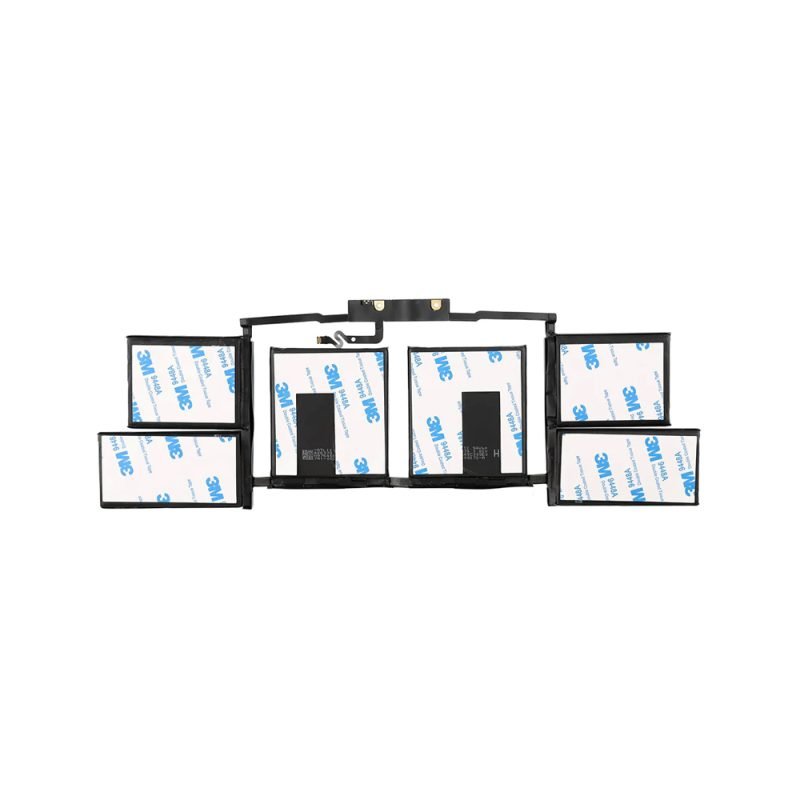
Is your MacBook Pro 15-inch (Model A1707, Late 2016 / Mid 2017) losing charge too quickly? The A1820 Laptop Battery Replacement is the perfect solution to bring back long-lasting performance and eliminate constant charging.
Premium Quality & Safety
This replacement battery is engineered to meet strict safety standards, featuring advanced lithium-ion cells that prevent overheating, overcharging, and short circuits. It delivers stable voltage and consistent power, ensuring your MacBook Pro runs smoothly for work, gaming, or creative tasks.
Key Features:
✅ Exact Fit for A1707 Models – Fully compatible with MacBook Pro 15″ (Late 2016 / Mid 2017), no modifications needed.
✅ 4500mAh High Capacity – Provides extended usage time, just like the original Apple battery.
✅ Fast & Efficient Charging – Supports quick power replenishment without compromising battery health.
✅ Plug-and-Play Installation – No software calibration required; simply replace and power on.
✅ 3-month Warranty – Buy with confidence knowing your battery is protected.
Why Replace Your MacBook Pro Battery?
Over time, laptop batteries degrade, leading to:
Short battery life (dying within an hour)
Unexpected shutdowns even at 20-30% charge
Swelling or overheating issues
The A1820 battery solves these problems, restoring your MacBook Pro’s peak performance.
Easy Installation Guide
Power off your MacBook Pro and disconnect the charger.
Remove the bottom case (using a P5 pentalobe screwdriver).
Disconnect the old battery and carefully unstick it from the case.
Install the new A1820 battery, reconnect the power cable, and secure it.
Reassemble and enjoy your refreshed MacBook Pro!
Order Now & Enjoy:
Fast Shipping – Get your battery quickly. 30-Day Money-Back Guarantee – Risk-free purchase. 24/7 Customer Support – We’re here to help!
Upgrade your MacBook Pro 15-inch today with the A1820 Laptop Battery Replacement—longer battery life, safer operation, and seamless compatibility!




There are no reviews yet.